
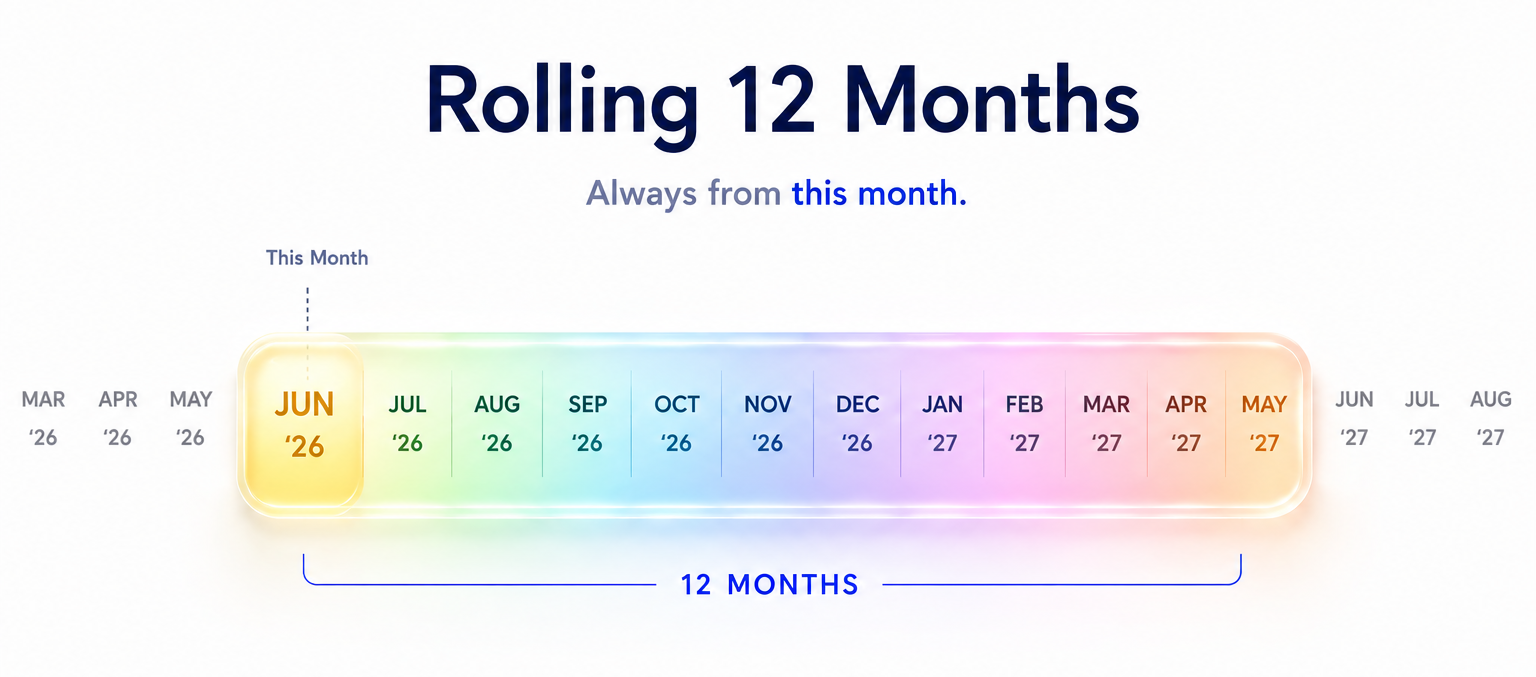
While discussing with AnuCal users, one clear pattern emerged.
Some users were not thinking in terms of a fixed “calendar year boundary,” but instead wanted to plan in terms of the next 12 months starting from the current month or a recent previous month.
However, the existing UI did not directly support this concept, so users were repurposing the Fiscal Year view.
In practice, they adjusted the start month of the Fiscal Year every month to approximate a “rolling 12-month view starting from now.”
To address this gap, we introduced a new mode called Rolling 12 Months.
This view starts from the current month or a recent previous month and displays a continuous 12-month period forward.
With this change, the calendar range system has been simplified into three modes:
- Calendar: a fixed January-December year
- Rolling: 12 months starting from the current month or a recent previous month
- Fiscal: a custom start month defining a fiscal year
The key idea is not to define a single correct way of viewing time, but to allow users to choose the time model that best fits their intent.