

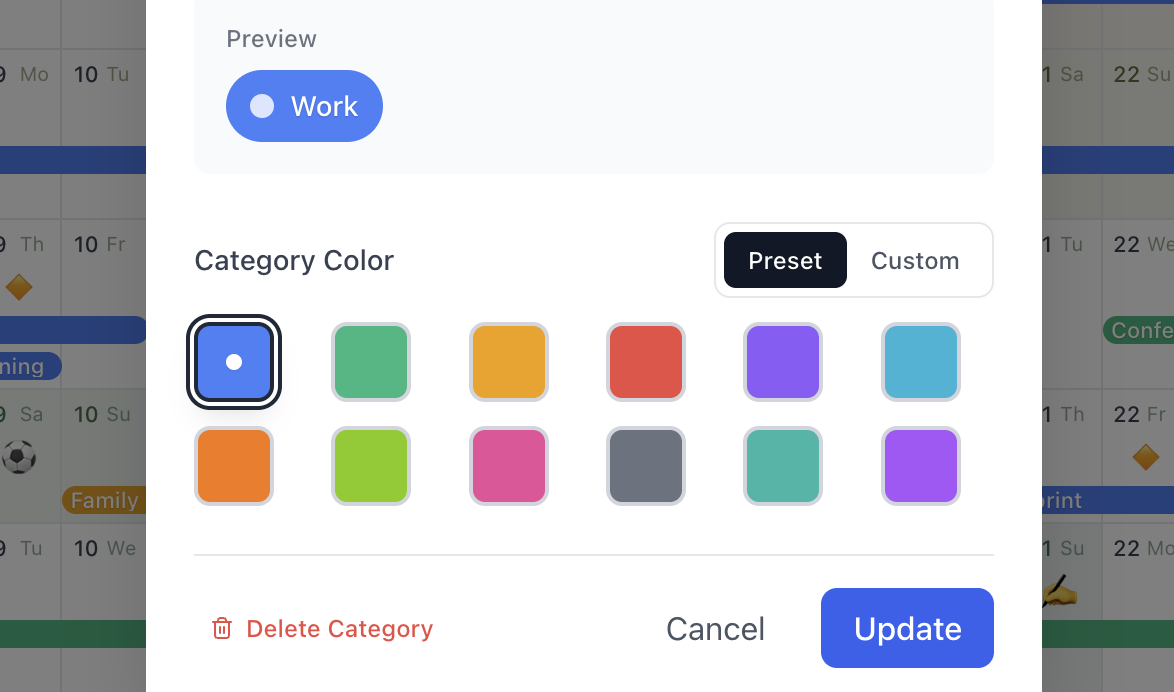
Color-coded by what matters
Work, personal, family, health, learning. Color-code your year and filter to only what you want to focus on this week.
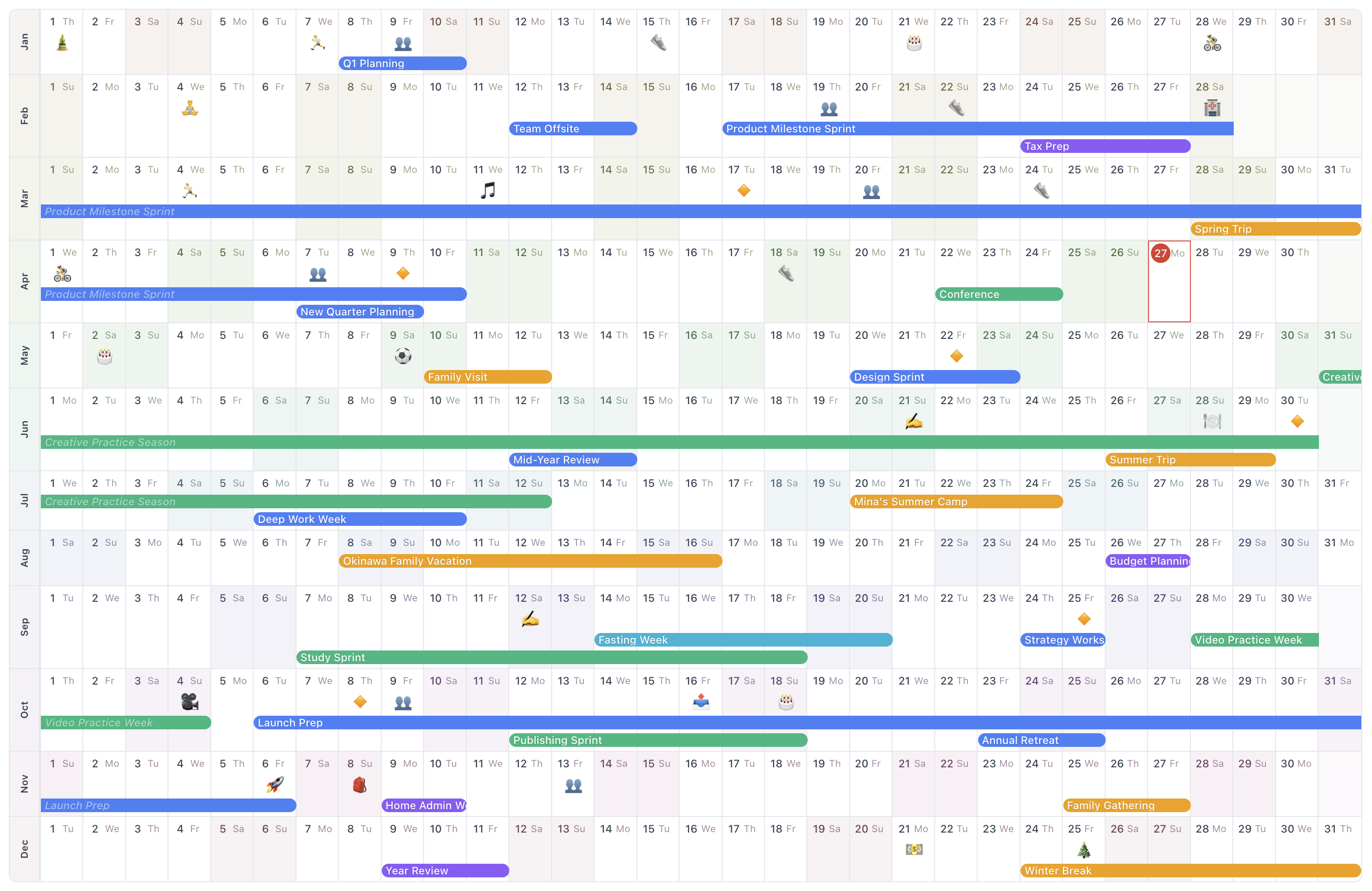
A canvas for your year.
AnuCal is a year canvas for your plans, memories, anchors, and space. One continuous annual view to see the whole year, shape it, and remember the one you lived.
Problem
The week ends and the page turns. A month passes and the trip you took, the milestone you crossed, the rainy stretch in June — all of it slides off the screen. AnuCal keeps the whole year visible on one canvas.
Not just a calendar. Not quite a diary. A canvas for your year.
Place plans, mark important days, leave space, and remember how your year unfolds.
The year on one page
Every cell is a day. Every bar is a plan. Every emoji is a memory. See busy seasons, quiet stretches, anchors, and open space in a single view.
Features
Planning stays useful because the view is continuous. Remembering becomes natural because small moments stay attached to exact days.
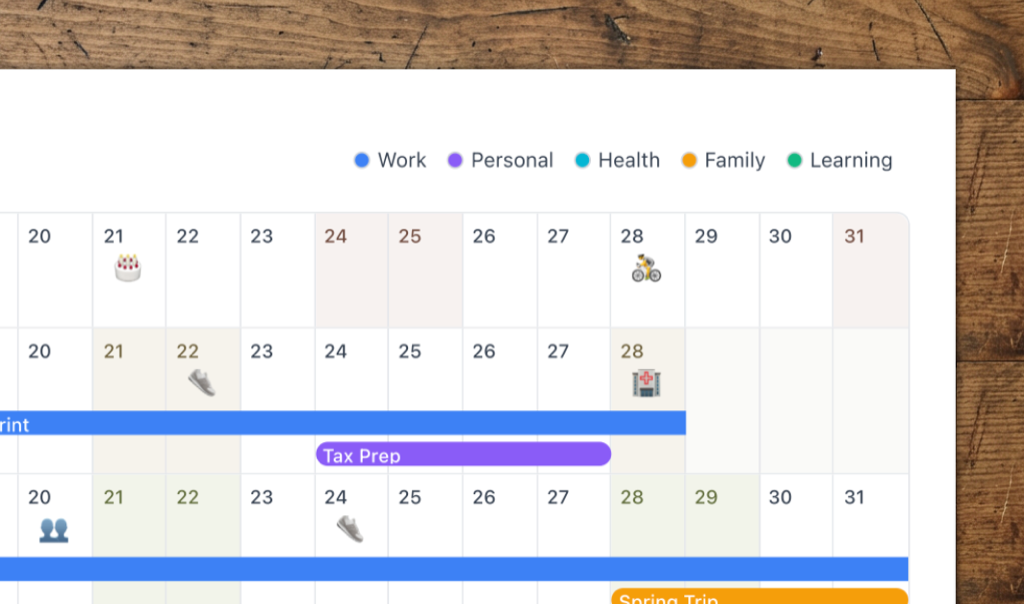
Work, personal, family, health, learning. Color-code your year and filter to only what you want to focus on this week.
Plans with a month but no day yet sit under that month, leaving the free days in view. Drag one onto a day once it is decided.
How Sometime worksPull in all-day events from Google Calendar, and with Premium the timed ones too—as a count on each day or as chips you can read.
How timed events work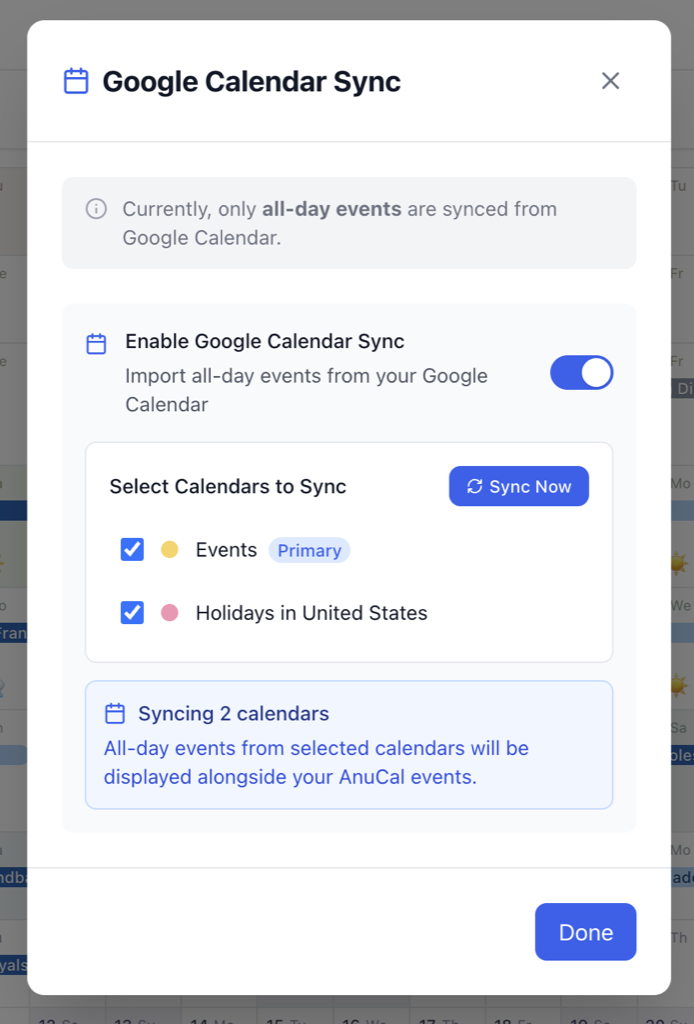
Show another calendar's events behind your own—read-only, in their own colours, and faded back so your plans stay in front.
Read more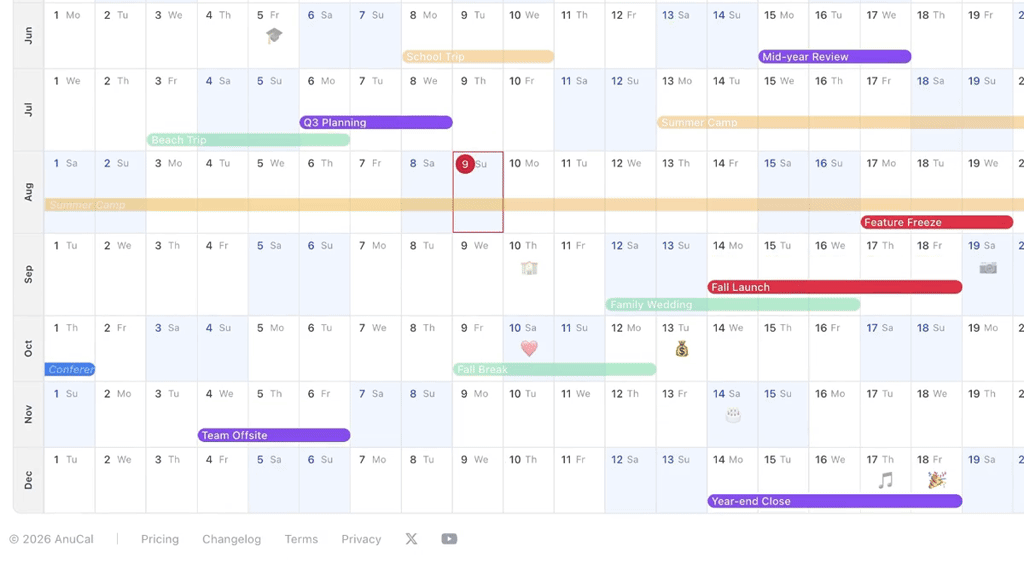
Share a live, read-only year by public link or embed it in a website, wiki, or Notion. Viewers do not need an AnuCal account.
See it in action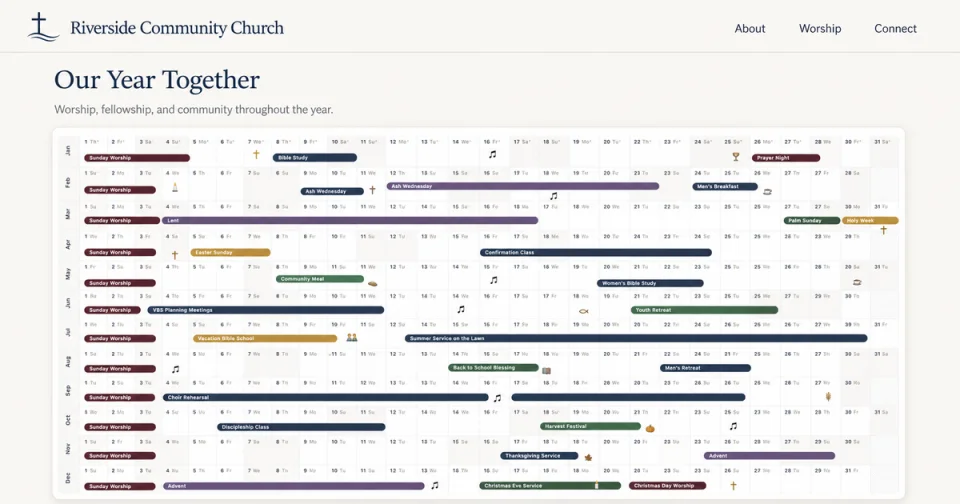
Print your year for planning and review—with color-coded categories shown as a legend, ready for posters and binders.
How it works
Some days hold more meaning than others. Mark the points you want your future self to notice.
Trips, launches, deadlines, anniversaries, and important moments.
See where your year begins to gather, stretch, or breathe.
Leave small signs for the days you do not want to lose.
At the end of the year, see how your life actually unfolded.
Life log
A small mark is sometimes enough. Capture the feeling of a day without turning it into a full diary.
Feb 04
Birthday
Apr 12
Day trip
Jun 21
Long rain
May 09
First match
Jul 02
Launch day
Nov 06
Shipped it
Feb 04
Yoga class
Jan 07
Morning run
Oct 04
Film night
Mar 11
Concert
Sep 12
Finished book
Apr 02
Hanami
Use cases
AnuCal helps you plan the big things, mark the small days, and look back at the shape of your year.
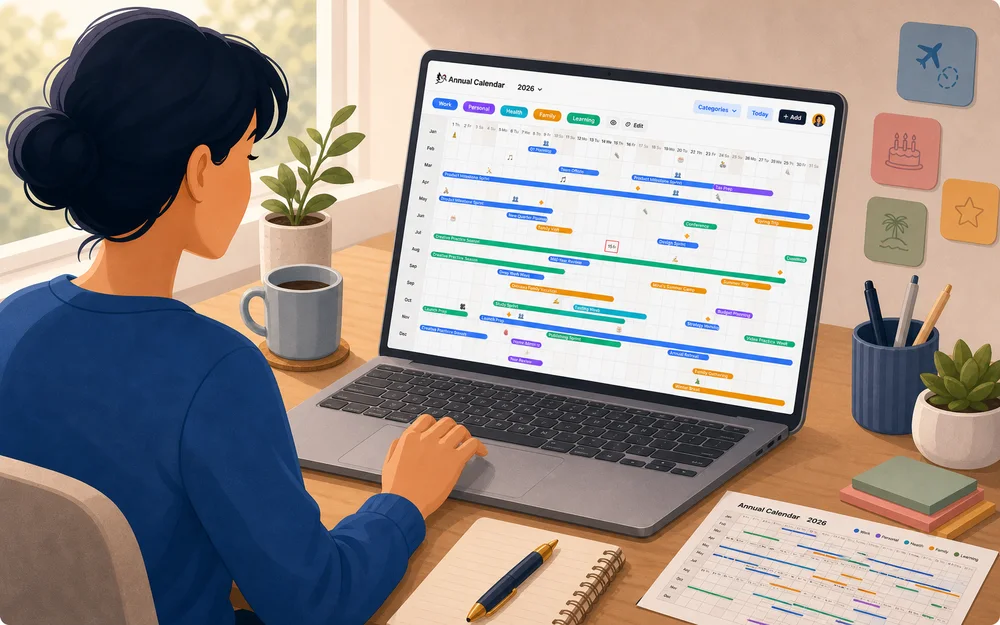
For you
See your seasons, routines, trips, rest, and personal milestones.
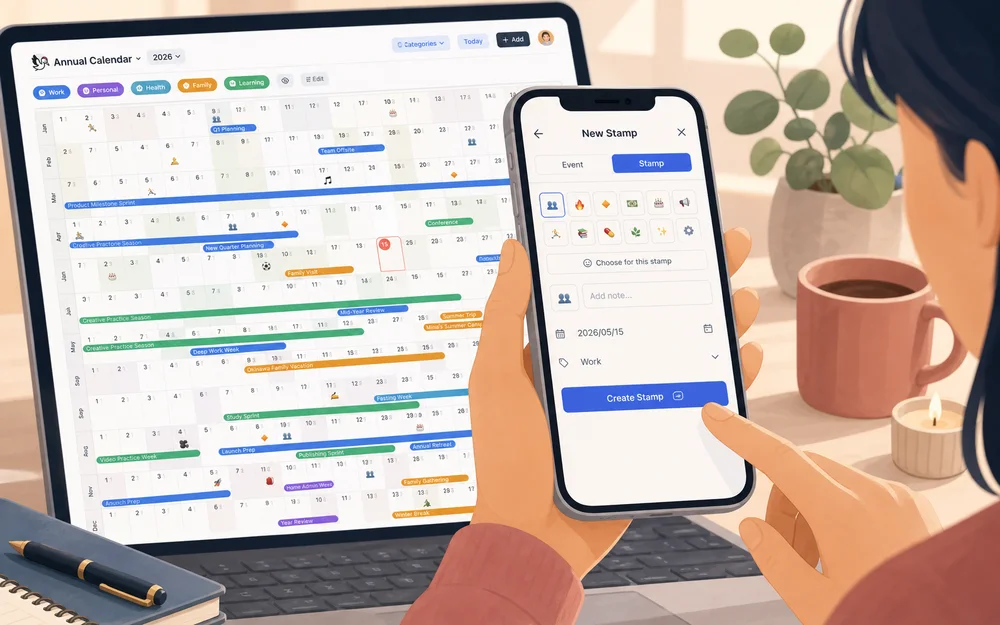
Life log
Mark moods, milestones, memories, and small moments without committing to a full journal.
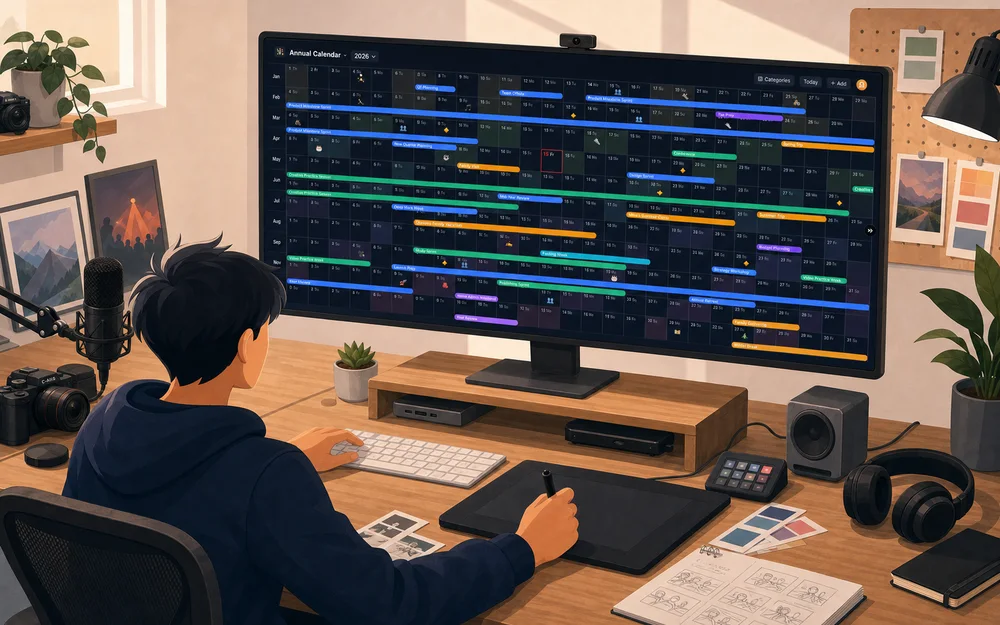
Creators
Place releases, production seasons, learning time, and creative pauses.
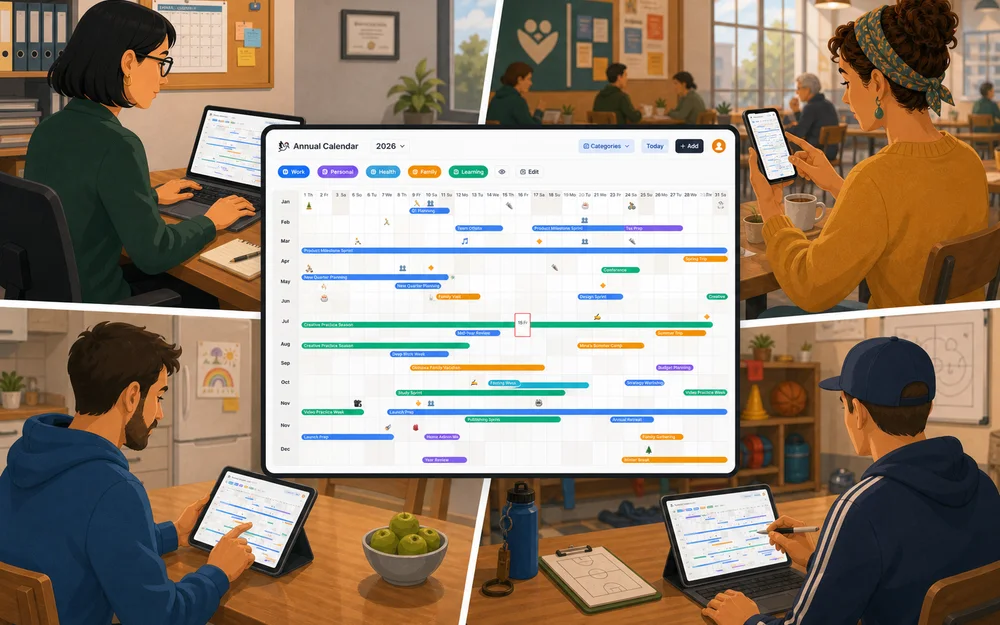
Together
Share school schedules, holidays, events, and annual calendars through public links or private invites.
FAQ
Regular calendars are built for daily schedules, meetings, and exact times. AnuCal is built for the long view: all-day and multi-day plans, timed Google Calendar context shown as counts or chips with Premium, annual rhythms, and lightweight life logging — so you can see the whole year at once.
No. AnuCal is designed to complement your daily calendar, not replace it. Google Calendar is great for daily schedules, meetings, and exact times, while AnuCal helps you see the full shape of your year.
Yes. You can publish a read-only year view at a public link or embed it in a website, wiki, or Notion. Viewers do not need an AnuCal account. This works well for school calendars, community schedules, event calendars, project timelines, and public annual plans.
You can also invite specific people privately by email. Viewers are free and unlimited on every plan; inviting an editor requires Premium.
Premium owners can upload and trim a calendar image for published pages and social previews.
Yes. AnuCal is responsive and works on smartphones, so you can check your year, confirm plans, or add a quick stamp while you are away from your desk.
The annual view keeps a layout close to the desktop experience, so a larger screen is still more comfortable for reviewing the whole year at once. You can also add AnuCal to your phone home screen, so it opens from an app-like icon.
Yes. AnuCal has a Free Plan with up to 30 events and 5 categories, which is enough to try the annual view and use it for lightweight personal planning.
The Free Plan also lets you use core features such as emoji stamps, one-line notes, public read-only sharing, private sharing with unlimited viewers, and basic print/export. When AnuCal becomes part of your regular planning workflow or you need an editor, check the Pricing page to choose the plan that fits your use.
Your year is more than a schedule.
It’s plans and memories, anchors and open space — held on one canvas you can see, shape, and remember.
Start your year canvas.Opens a sample year. No signup required.