Updates

Recent AnuCal improvements

A compact view of recent product updates. Roadmap promises stay out of the marketing site until features are real.

May 2026

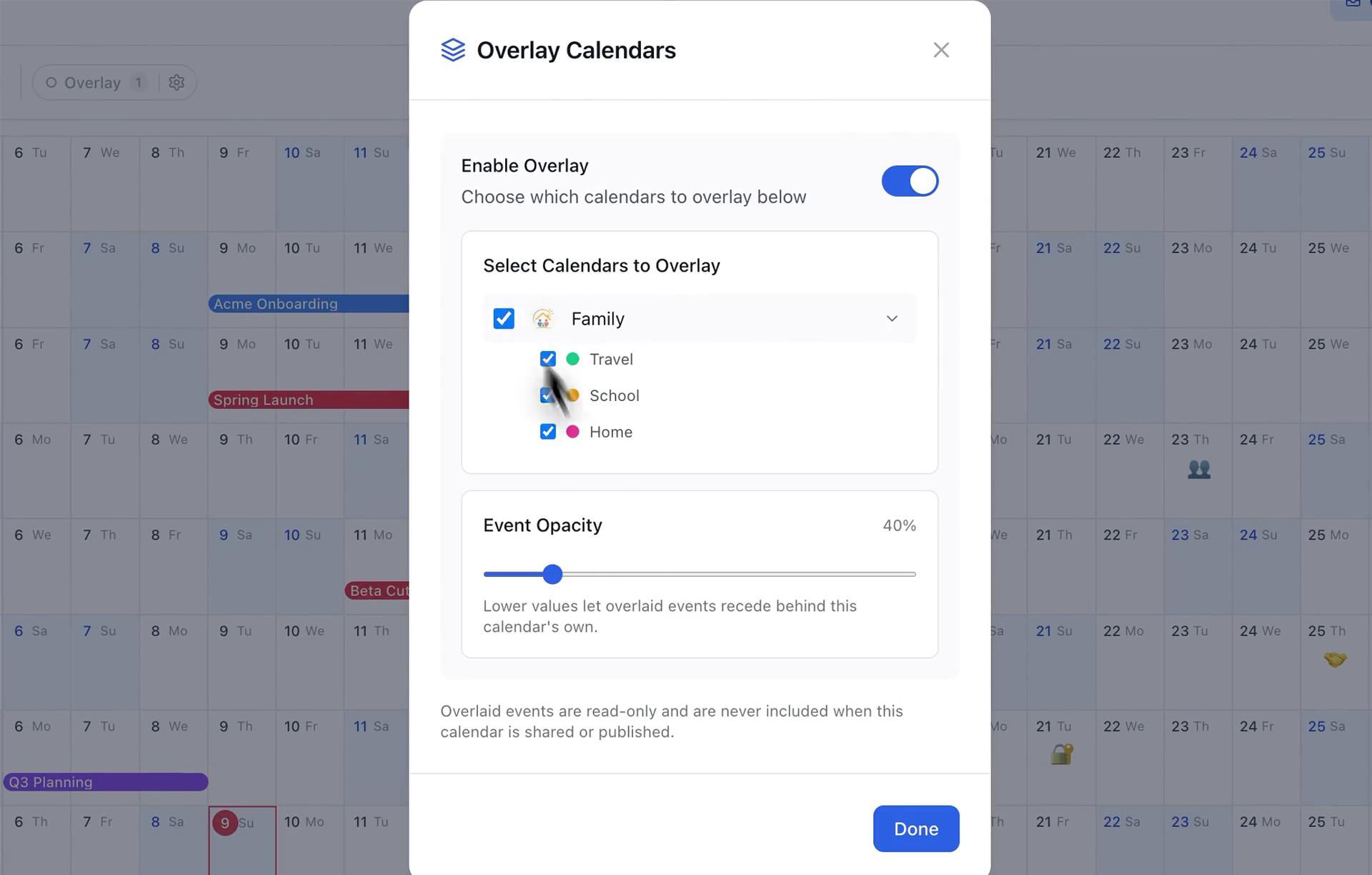
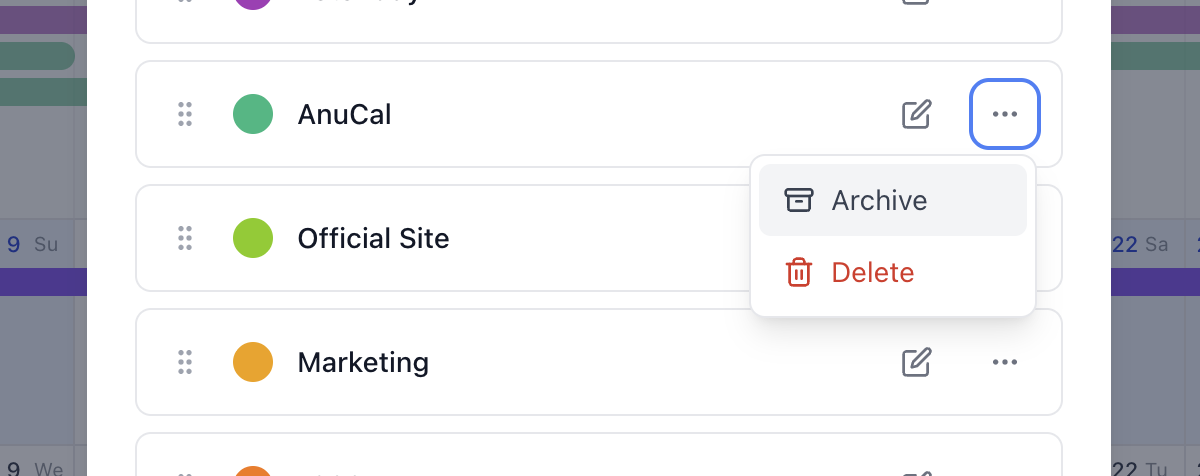
Duplicate calendars are here

Duplicate owned calendars from Calendar Settings > Calendar actions. The copy includes events, categories, stamps, settings, palettes, and images; Premium now supports up to 5 owned calendars for drafts, backups, and shared versions.

May 2026

Invite-only calendar sharing is now available

Premium calendar owners can invite unlimited viewer members and 1 editor per calendar with full content edit access, while public links remain read-only.

May 2026

Google Calendar sync is now free

Connect Google Calendar to AnuCal and bring your existing schedule into the year view without upgrading to Premium.

April 2026

Single-day Stamps are here

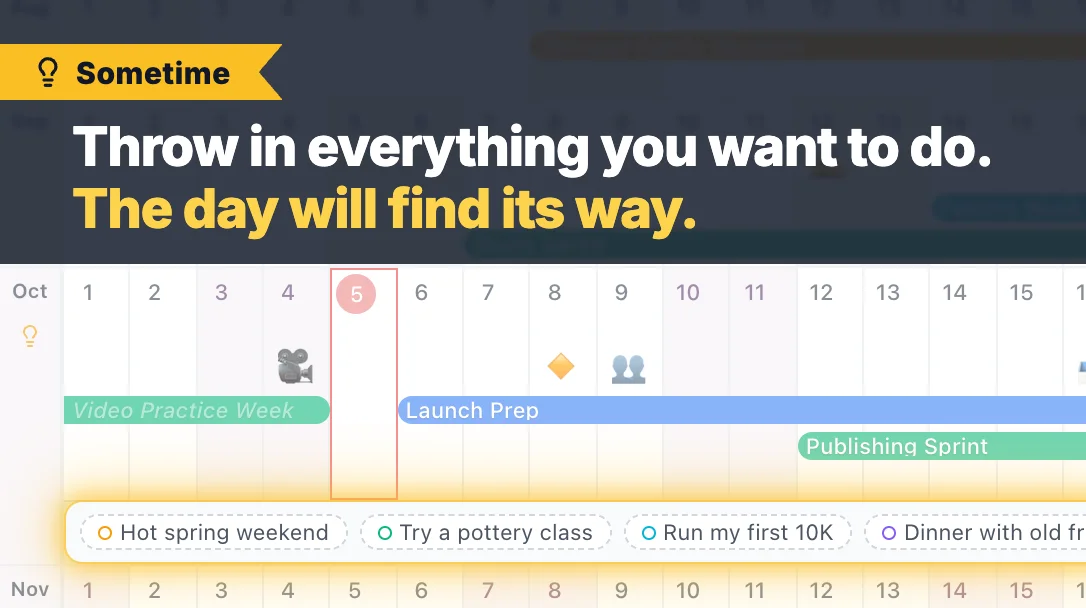
A small mark for each day, in just one tap. Stamps help you gently capture your year across work, life, self-management, and mood.

March 2026

Event duplicate shortcuts are here

Duplicate an event from the details screen with one tap or use Cmd/Ctrl + D. Delete shortcuts are supported too for faster editing.

April 2026

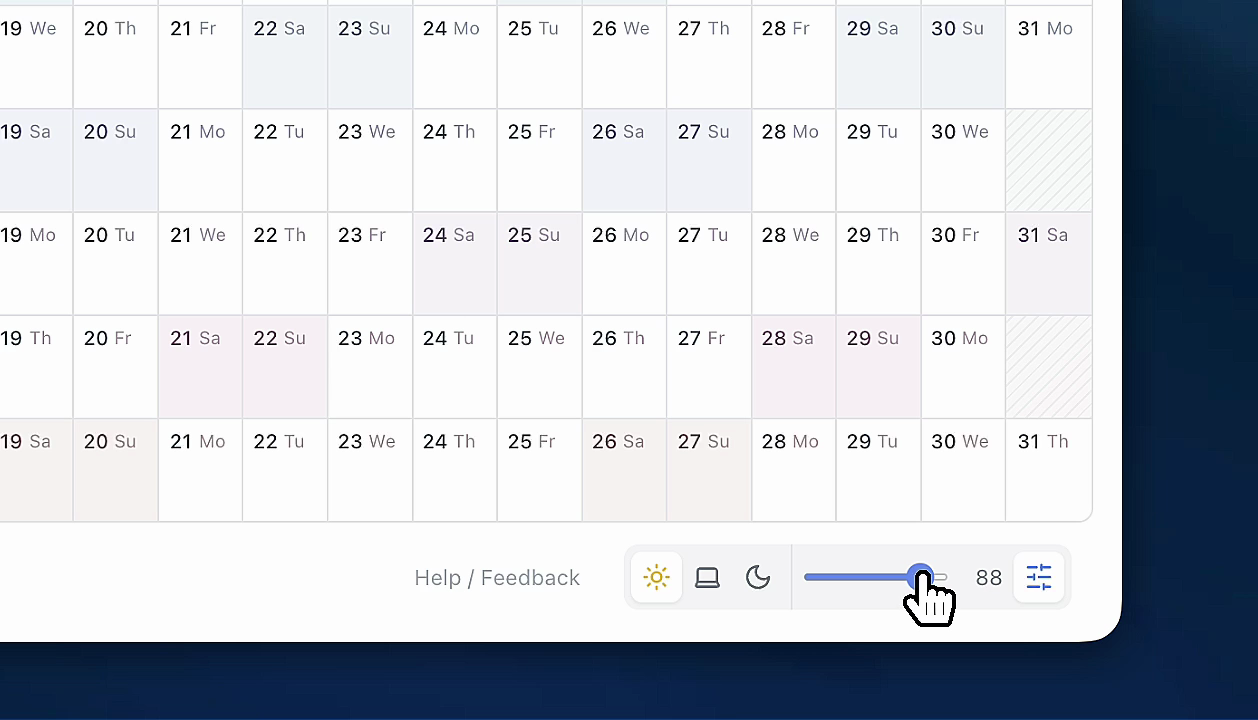
Dark mode is now free

Make late-night planning easier on the eyes. You can switch from the theme toggle at the bottom right.

April 2026

Fiscal year settings are now free

Perfect for school years, company fiscal years, and any planning cycle that does not start in January.

March 2026

Publish calendar is now available

Publish a read-only calendar page with its own URL for teammates, classmates, or your audience. You can turn it on, off, and regenerate the link anytime.

April 2026

Make months easier to tell apart

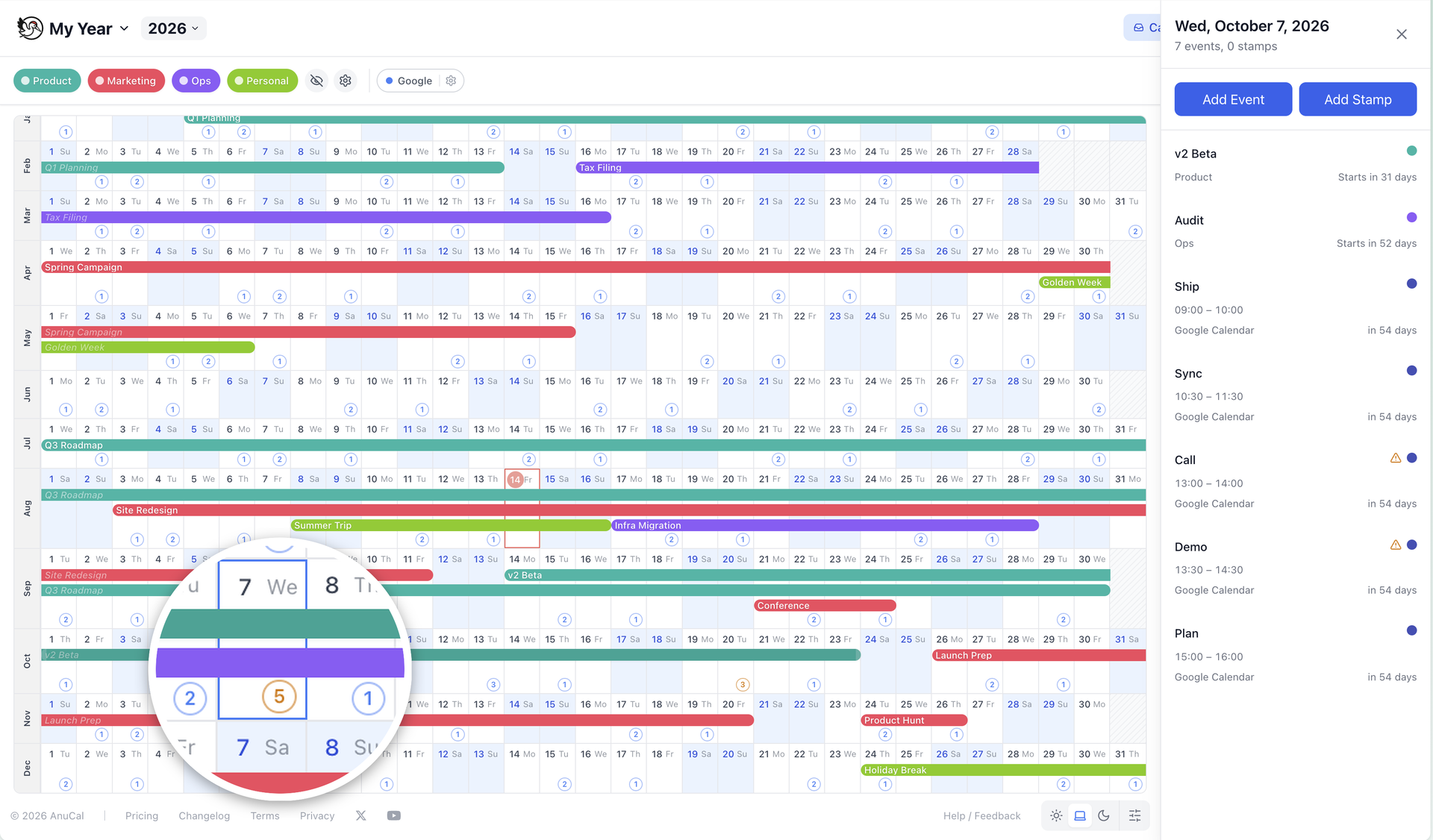
Color Tone helps you scan month boundaries faster. Choose None, Subtle, Quarter, or Monthly and keep the calendar readable in both light and dark themes.

April 2026

Editing recovery on Free is now available

If you are over the Free limit after trial, delete events or categories to get back under the limit and continue editing.