
Calendar year
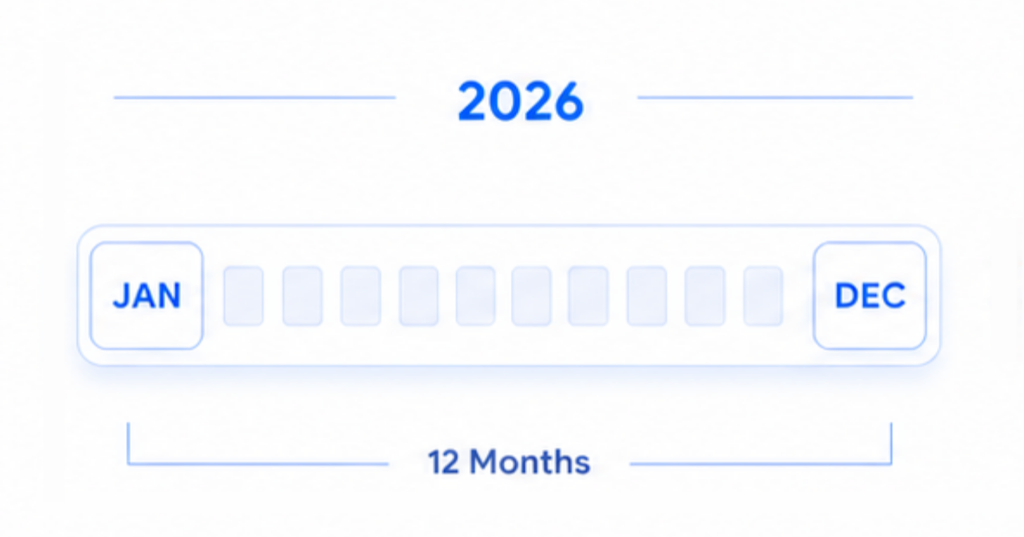
See January through December on one canvas—the familiar calendar year for annual reviews and year-at-a-glance planning.
All Features
From year-range modes and display options to planning, life logging, share & export — explore the full feature set in one place.
Pick the time model that matches how you plan—calendar year, rolling 12 months, or a fiscal year on your schedule.
See January through December on one canvas—the familiar calendar year for annual reviews and year-at-a-glance planning.
See the next 12 months on one canvas, starting from this month or a recent one—so the window moves with you, not with January.
Why we built Rolling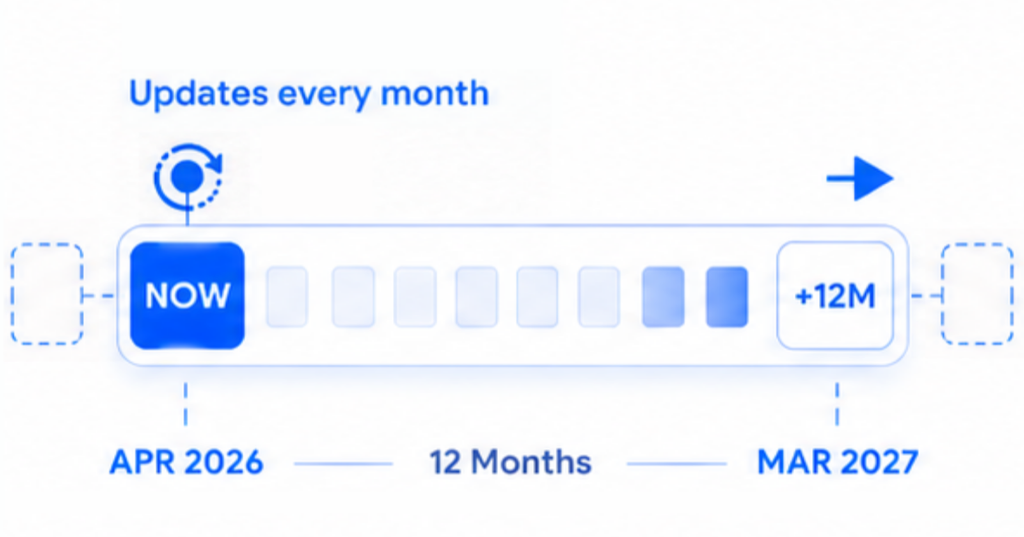
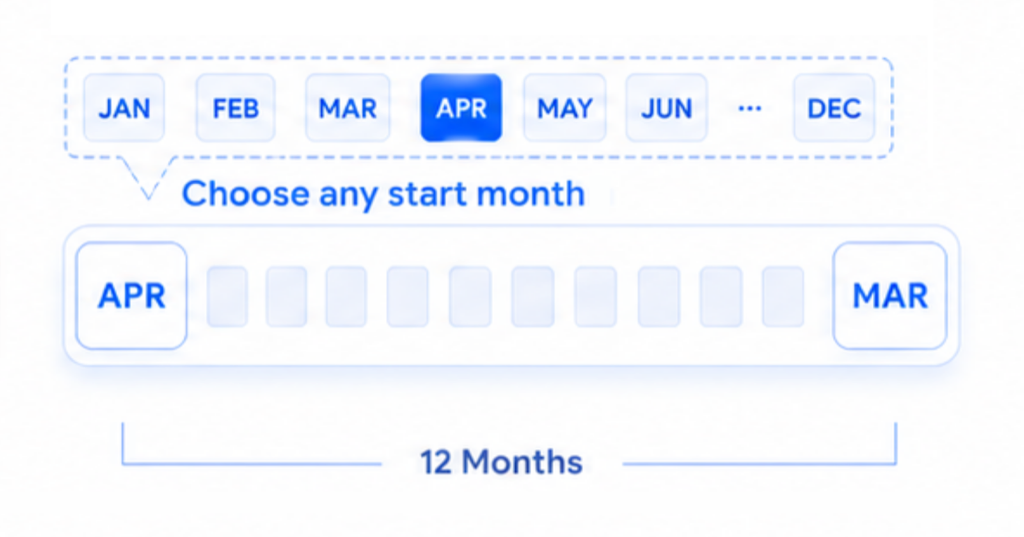
Start the year in any month for school years, project cycles, or fiscal planning—and label years by their end year if that is your habit.
Pick how the grid is drawn, lay another calendar behind your own, and tune week numbers, month accents, past dates, and theme.
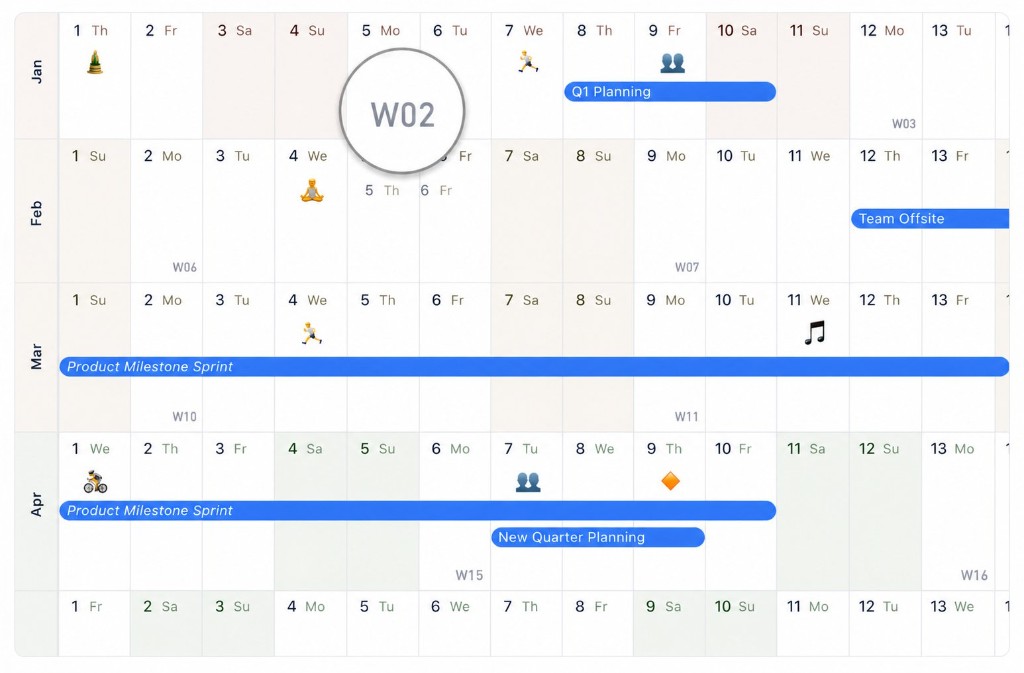
Continuous date flow, or aligned weekday columns so the same day sits in the same place every month. Sunday or Monday week starts.
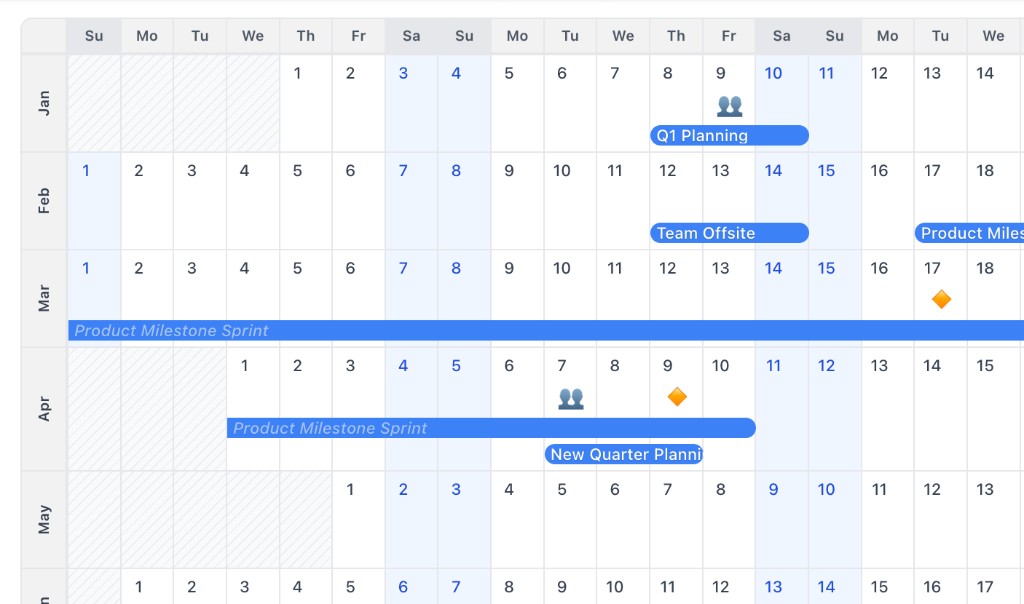
Show ISO week labels at the Monday start of each week when you plan around weekly project cycles or deadlines.
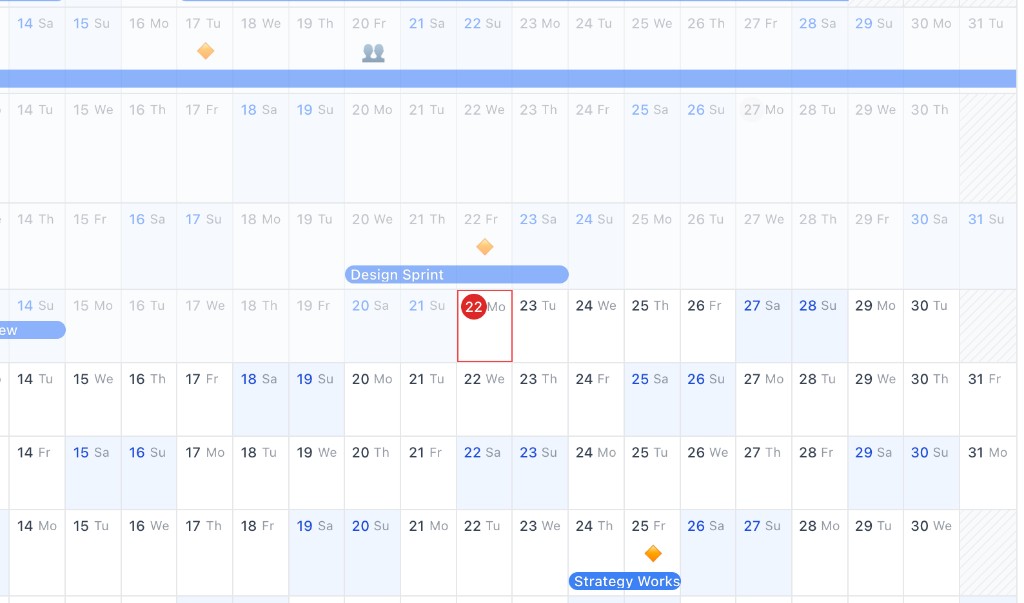
Fade past dates and finished events so the present and what is ahead stay in focus. Switch it on in Display Options.
Show another calendar's events behind your own—read-only, in their own colours, and faded back so your plans stay in front.
Read more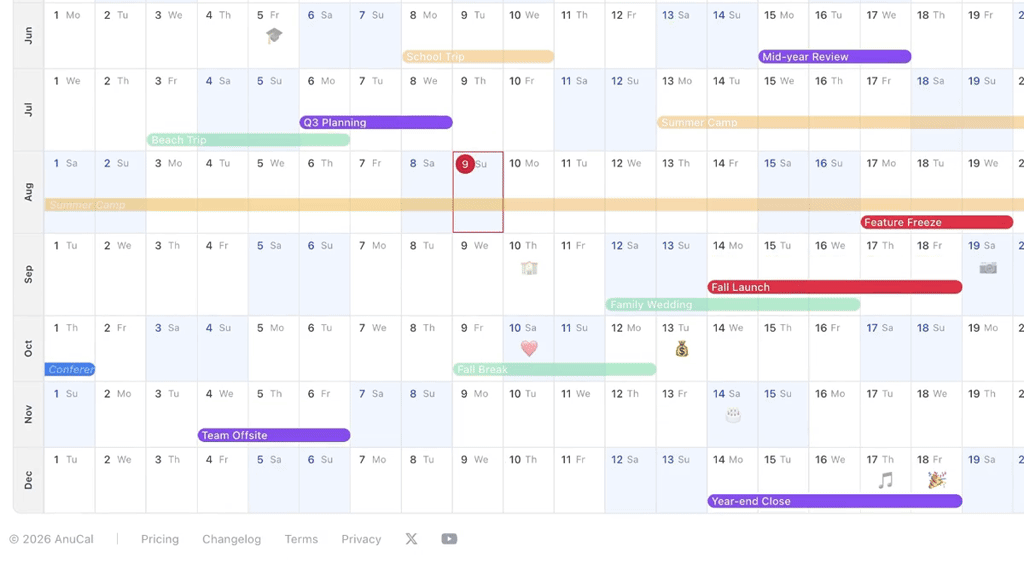
Add subtle month tones, quarter accents in three-month blocks, or a distinct accent per month—then tune how strong they look.
Why we added Tone Intensity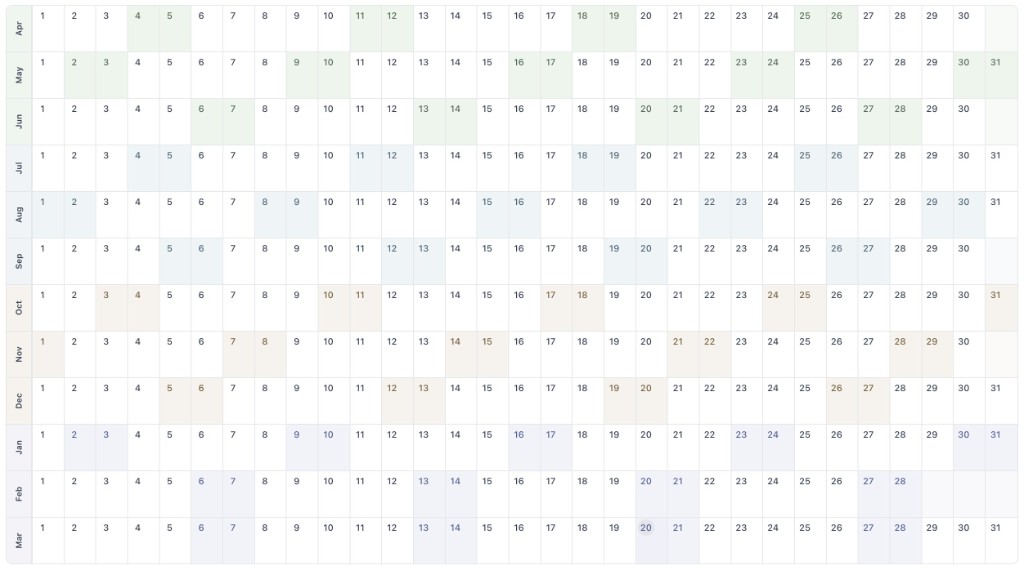
Switch between light and dark themes for late-night planning or low-light rooms. Color Tone accents tune separately for each.
Tune accent strength per mode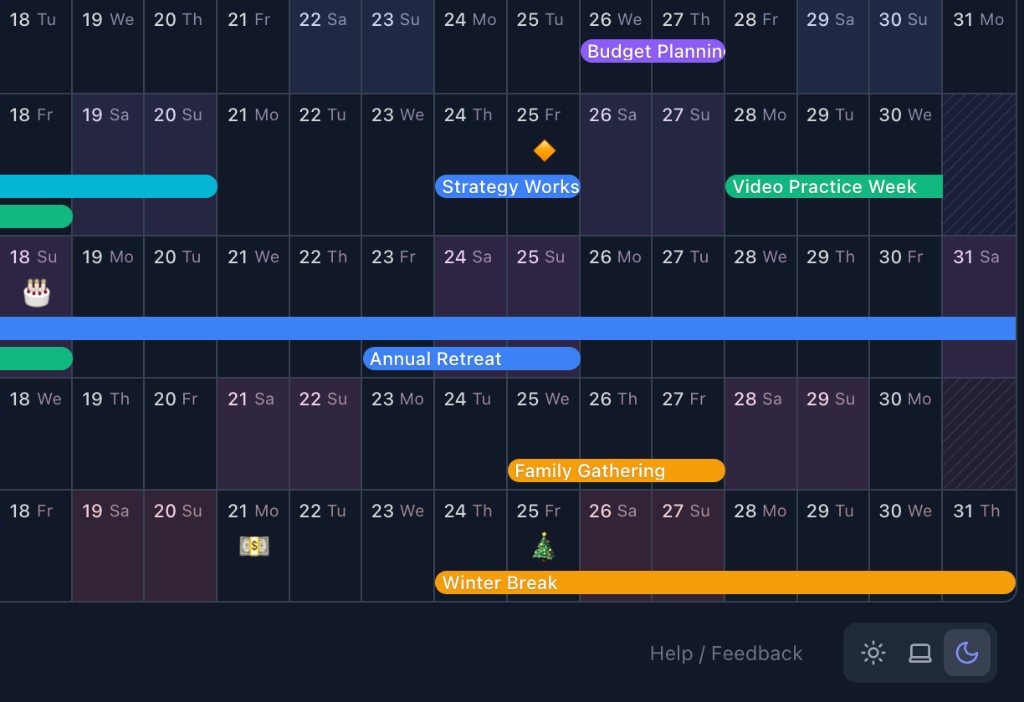
Place all-day and multi-day anchors on the year canvas, repeat them, group them by category, keep plans with no day yet in their month, and pull in Google Calendar context.
Click empty space or drag across dates for multi-day plans, then drag bars to adjust—Enter to save and keep moving.
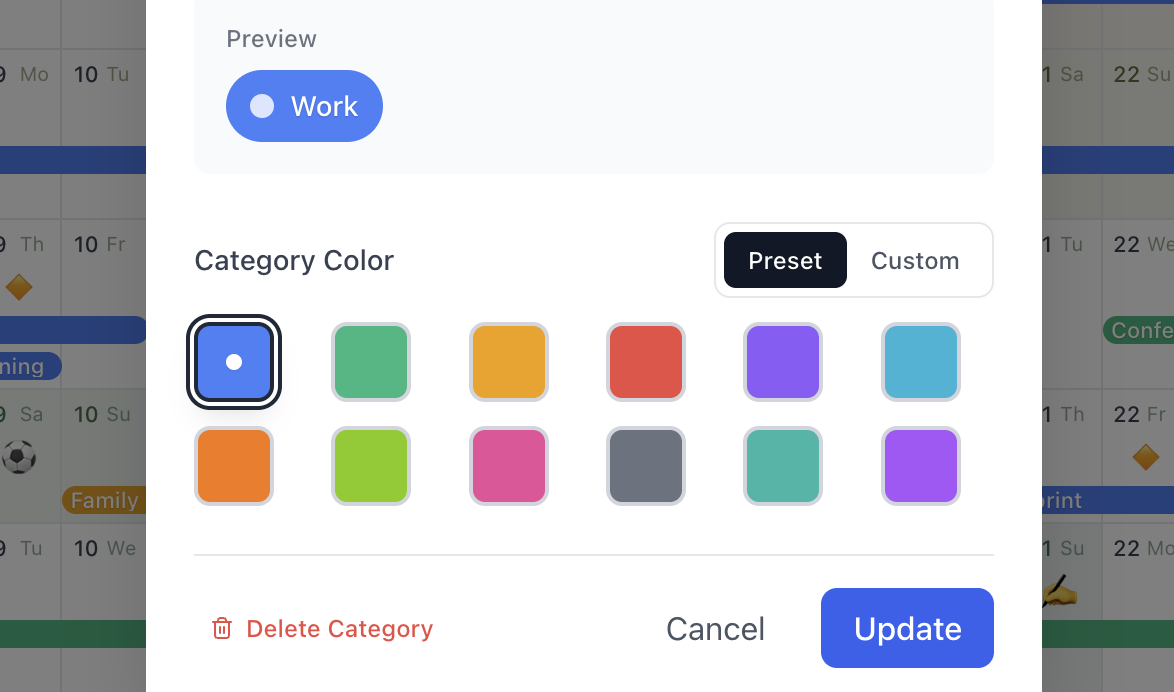
Work, personal, family, health, learning. Color-code your year and filter to only what you want to focus on this week.
Weekly, every 2 weeks, monthly, quarterly, or every N days—for a number of times you set. Every repeat in the year on screen lands at once.
How repeating events work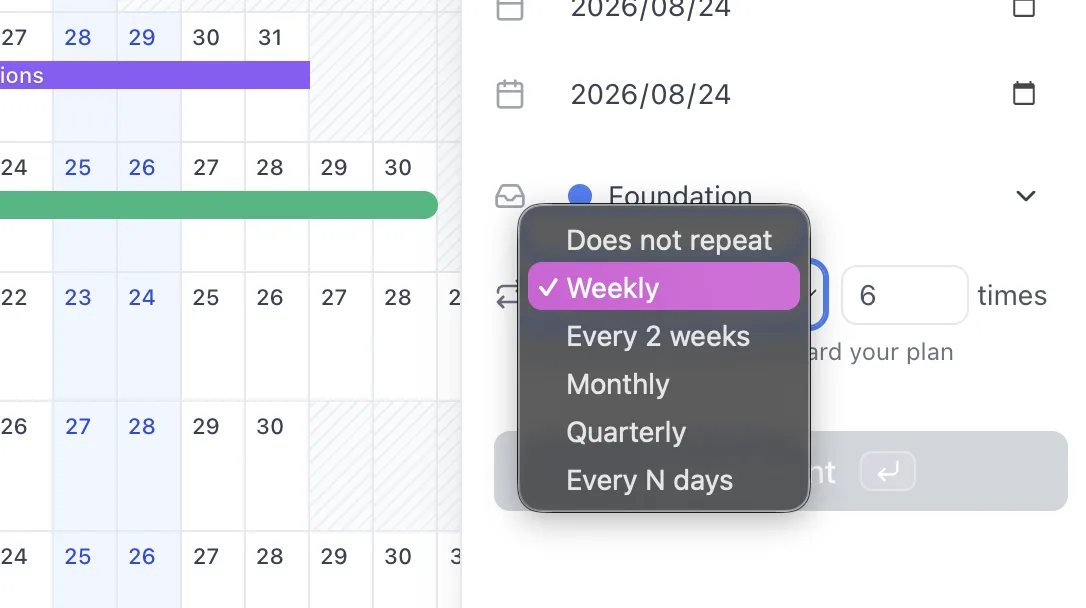
Plans with a month but no day yet sit under that month, leaving the free days in view. Drag one onto a day once it is decided.
How Sometime worksPull in all-day events from Google Calendar, and with Premium the timed ones too—as a count on each day or as chips you can read.
How timed events work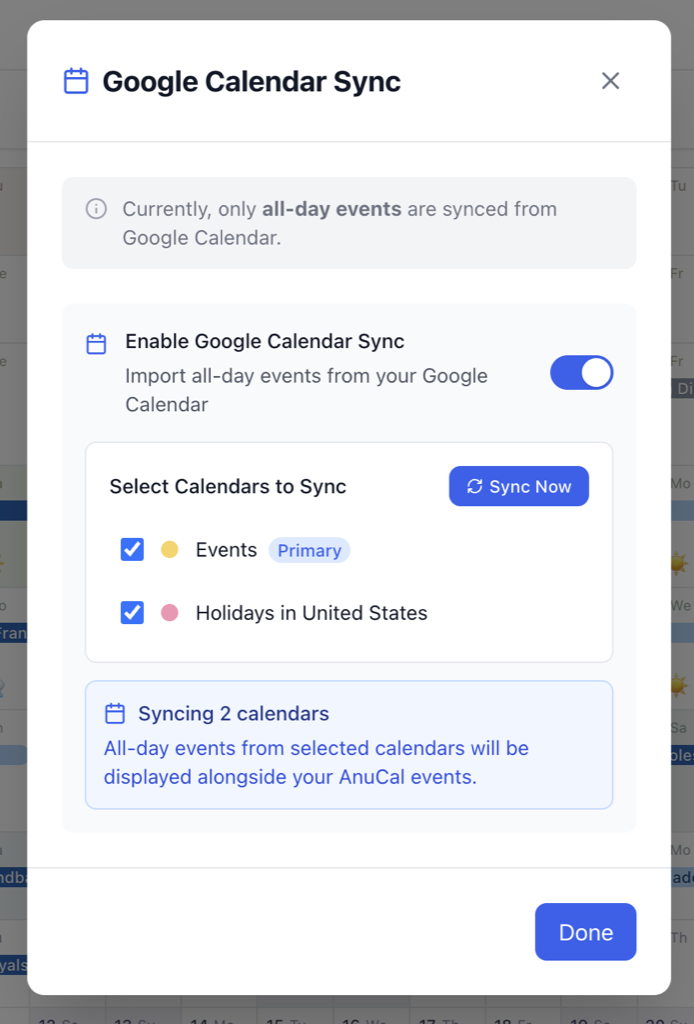
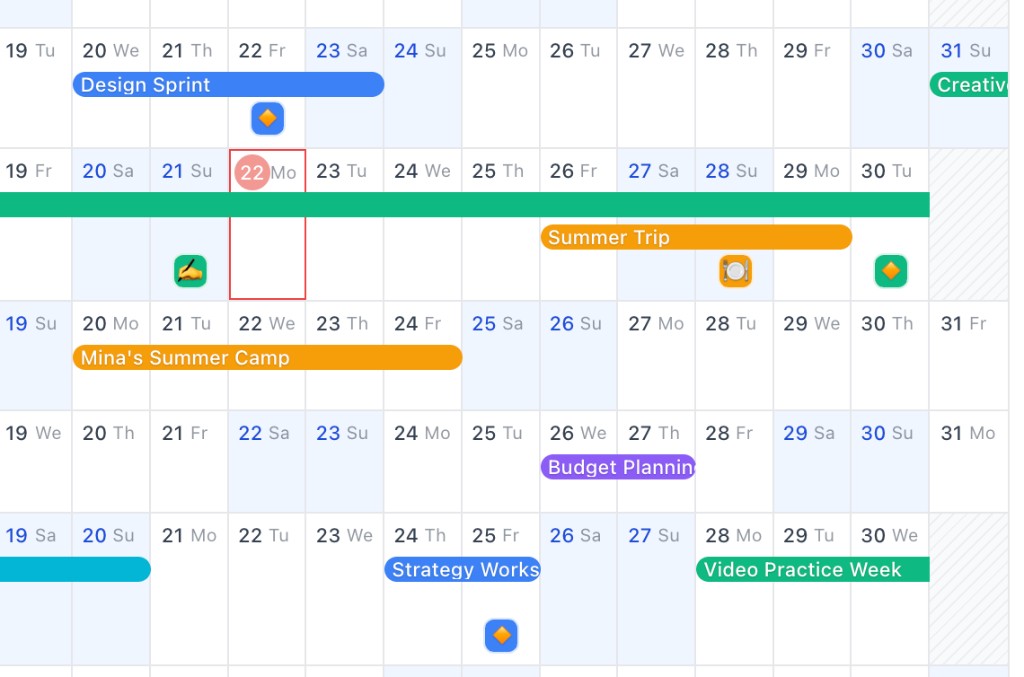
Pack events tightly with Compact, or give each category its own band across the year—reorder the categories and the bands follow.
Read moreAttach lightweight memories to exact days without turning your calendar into a heavy journal.
Mark a mood, a milestone, a meal, a memory. One emoji, one line, on the exact day it happened, easy to recall.
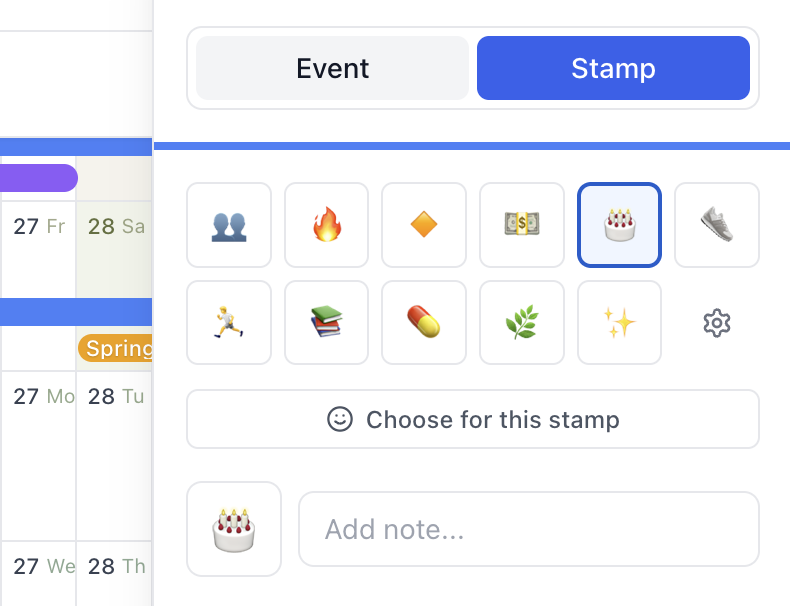
Place the stamp lane at the top or bottom of each day cell, and show stamp chips in category color or a neutral style.
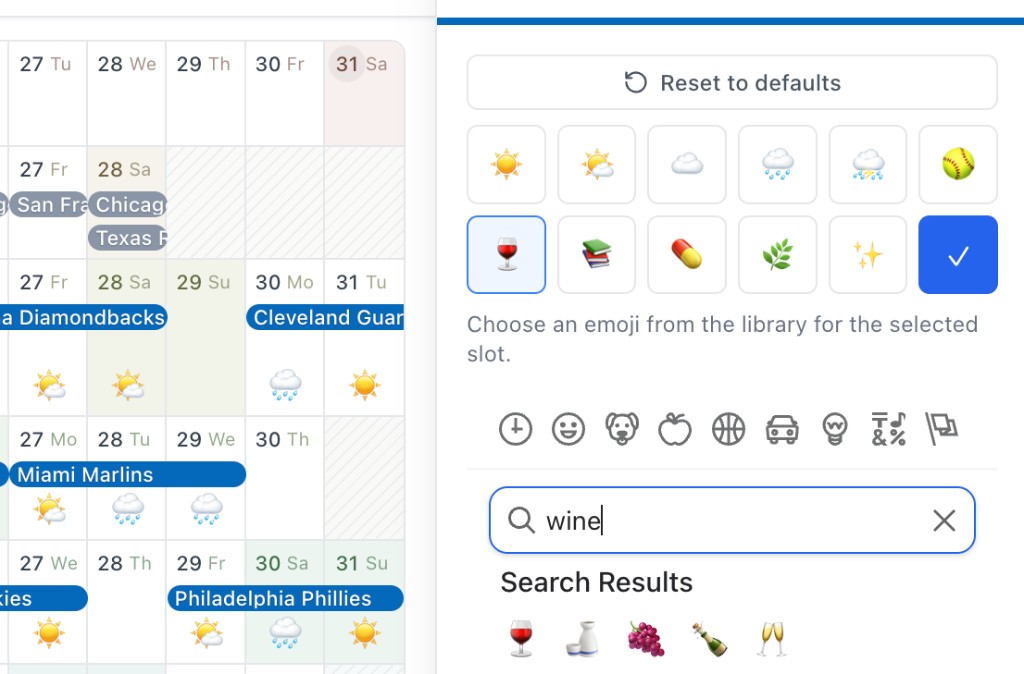
Build your own stamp palette and pick emojis instantly instead of scrolling through the full emoji picker every time.
Publish a read-only year, invite people privately, brand your calendar, manage multiple calendars, duplicate copies, and print or export the result.
Share a live, read-only year by public link or embed it in a website, wiki, or Notion. Viewers do not need an AnuCal account.
See it in action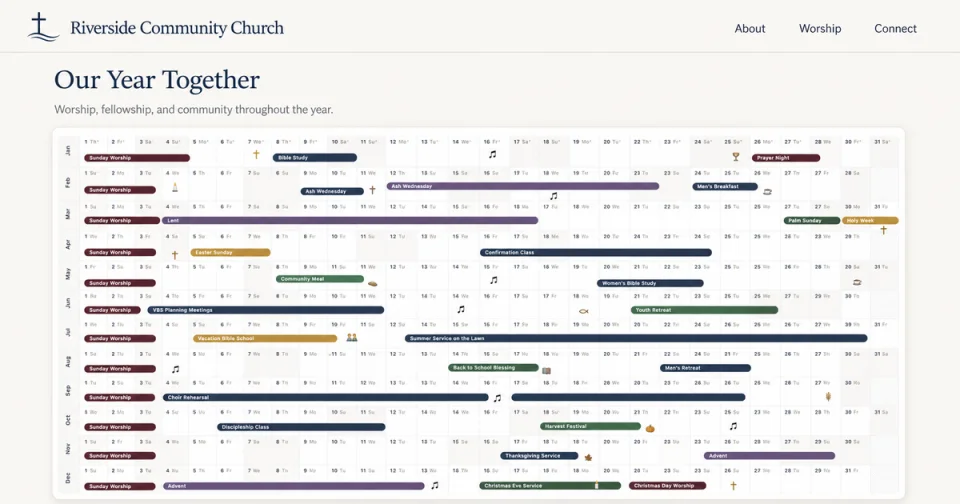
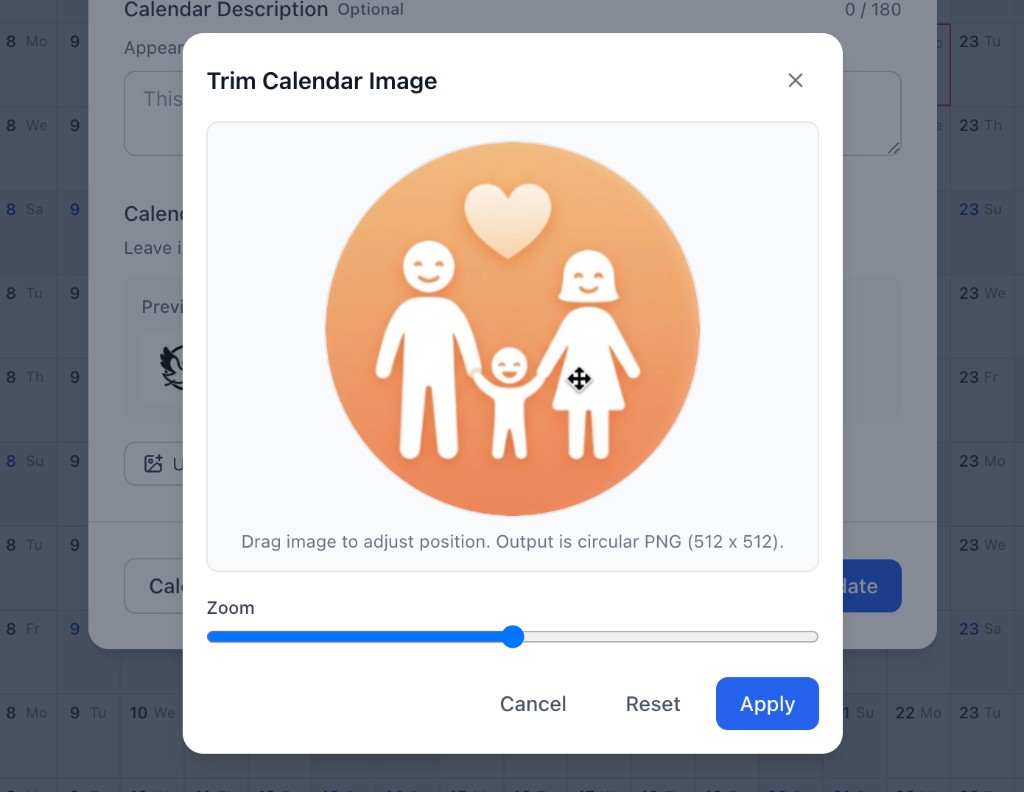
Upload and trim a calendar image for your published page and OGP previews, so shared links show the look you chose.
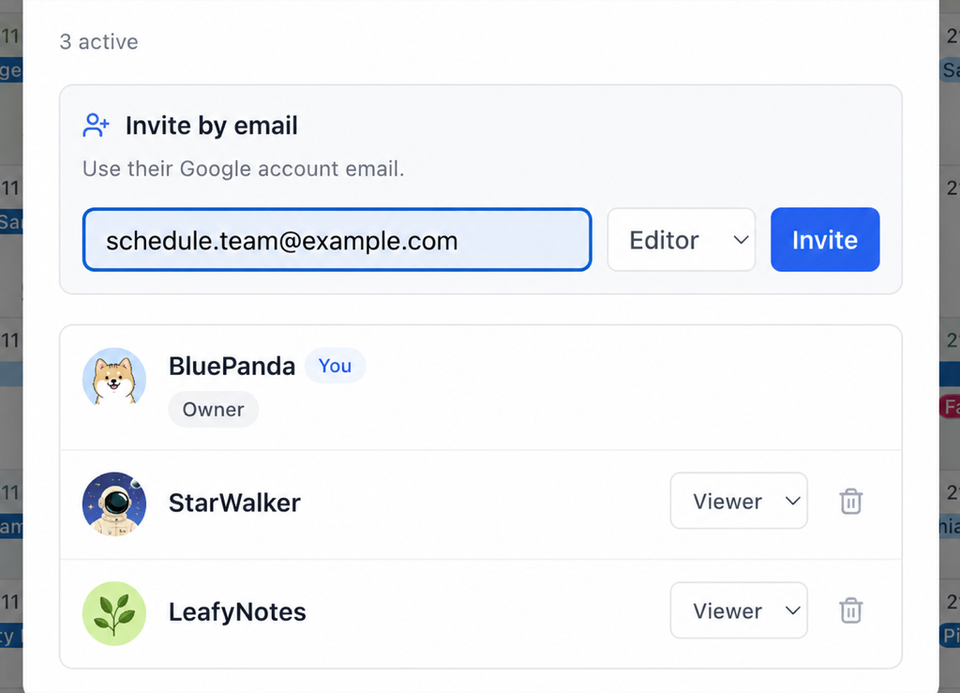
Invite unlimited viewers by email, free on every plan. With Premium, one editor per calendar gets full access; the rest stay read-only.
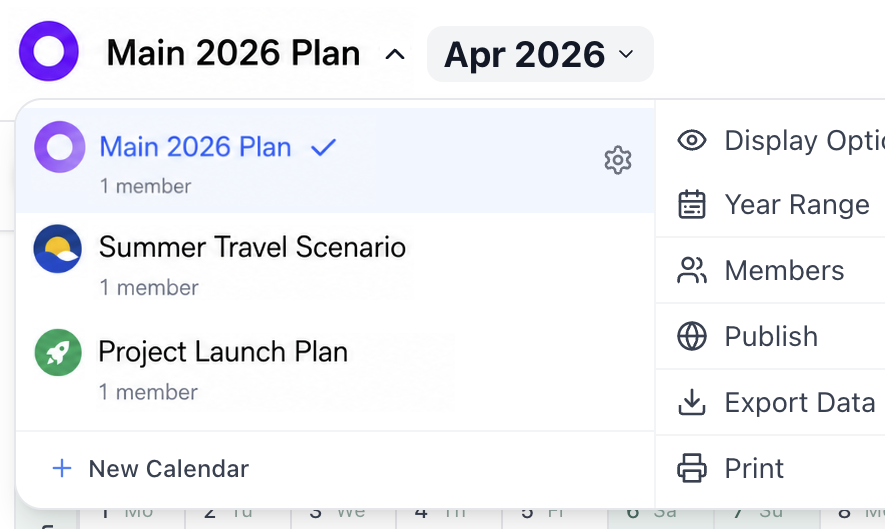
Create multiple owned calendars, and duplicate any one—events, categories and settings included—to start a new year or project.
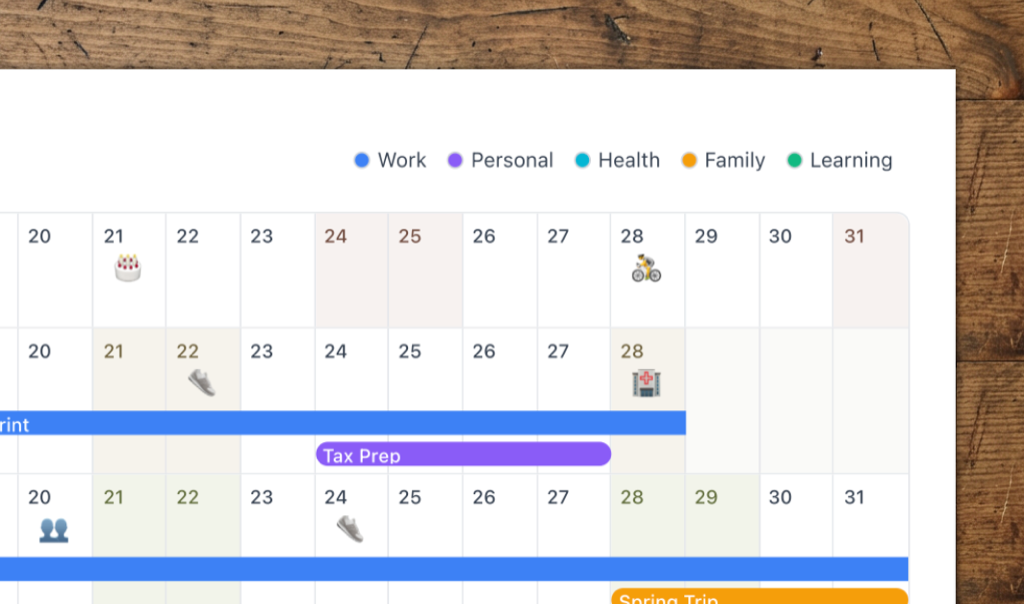
Print your year for planning and review—with color-coded categories shown as a legend, ready for posters and binders.
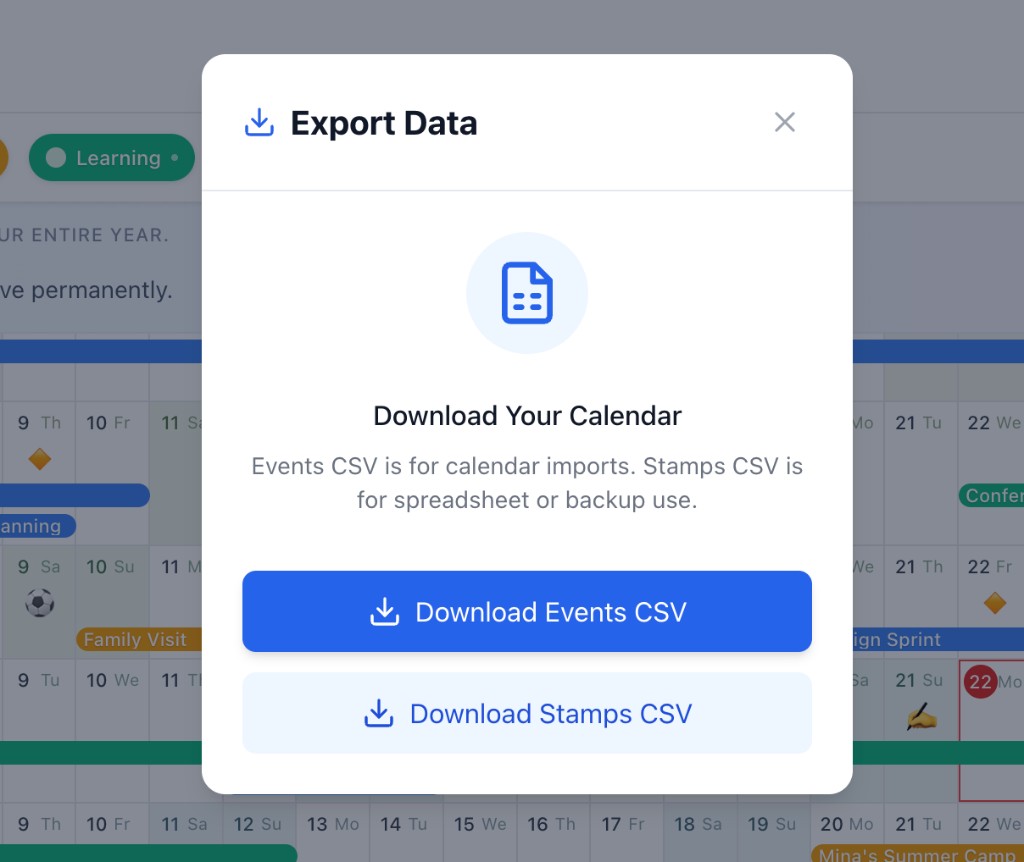
Download events CSV for calendar imports, or export stamps with emoji, notes, and categories for spreadsheets and backup.
Live sample
A published family year in vertical layout — school days, holidays, and trips on one canvas. No signup required.
Open Our Family Year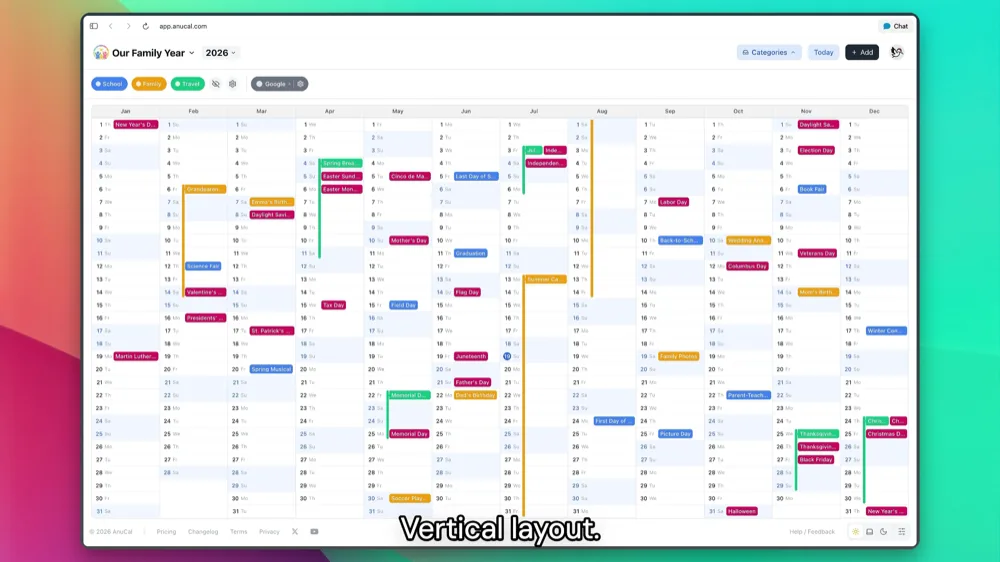
See your year for yourself.
Open a sample year and see how planning and life logging feel in one continuous annual view.
See the demoOpens a sample year. No signup required.