
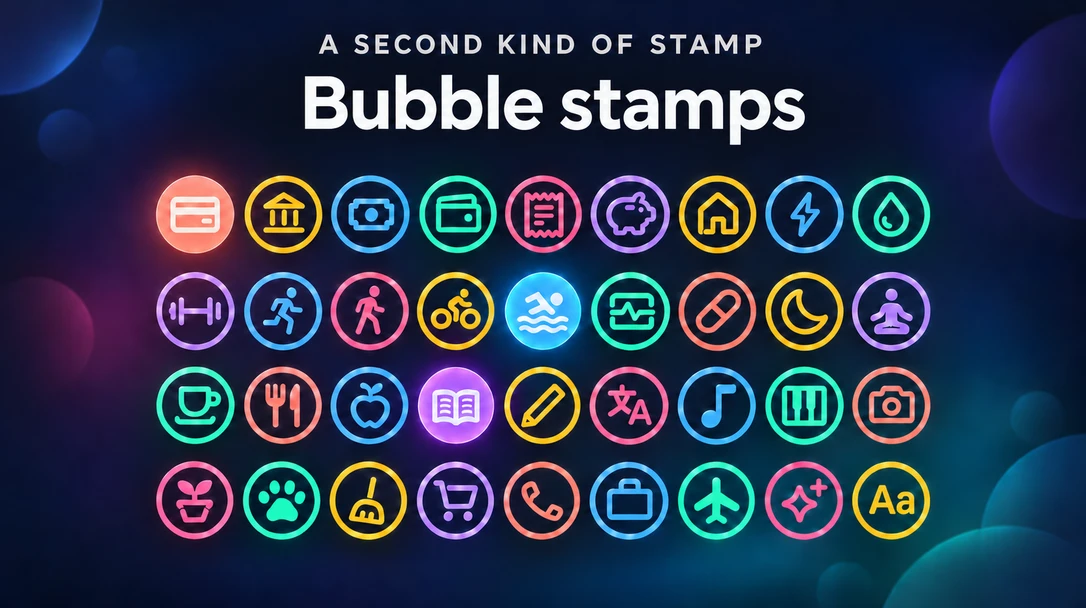
Some days are not plans but things to check off. A card bill due on the 15th. A run on Monday, Wednesday and Friday. Until now, an event could put that day on your year, but not whether you had done it: the bill looked the same before and after you paid it.
A bubble stamp is a circle on its day that you fill in once it’s done. Click it and it fills; click again and it empties. Across the year, filled bubbles show what is done and the empty ones what is still open.
Add a bubble stamp
- Click a day and keep Single Day selected
- Turn on Stamp and switch to Bubble
- Pick an icon, or type up to 2 characters, such as H for one bank and U for another
The title is optional: an untitled bubble is listed as its text or icon and its category.
Fill it in
Click the bubble on the calendar. That is all: it fills in, in its color, and stays that way until you click it again. To open the event behind it, right-click the bubble, or touch and hold it on a phone or tablet.
Everyone who can see the calendar sees which bubbles are filled in, on shared calendars and published pages too. Only editors can fill them in.
Bills and habits
- A bill every month: set the bubble to repeat Monthly. Each month gets its own bubble, and each is filled in on its own
- A habit on certain days: set Repeat to Daily, or to Weekly and choose the days, such as Mon, Wed and Fri. See Repeating events for how series work
- Telling them apart: a bubble takes its category’s color. Two bills in one category can each have a color of their own: open Color at the top of the Bubble tab and pick one, or go back to the category’s with Default
Move a bubble to another day and whether it is filled in moves with it. A series moves as a whole, each repeat keeping its own.
Emoji or bubble
Both are single-day events shown as stamps. An emoji stamp marks what a day was, like a birthday or a good day. A bubble stamp marks something to do on a day, and whether it is done. You can switch one event between the two at any time.
Plans
Bubble stamps work on every plan. On Free, each one counts as one of your 30 events, and a repeating one counts once per repeat. In the event CSV export, a bubble’s icon or text, whether that day is filled in, and its own color each get a column.